
...
In this section you define all fields you want to place on your report based on the index you have defined above.
Just enter the field names in the order you want to see the fields on the report. Use the arrow up/down to move the fields.
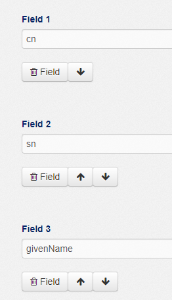
To find the valid attribute names for the different indexes you can use following methods:
...
Alias (and view options for field)
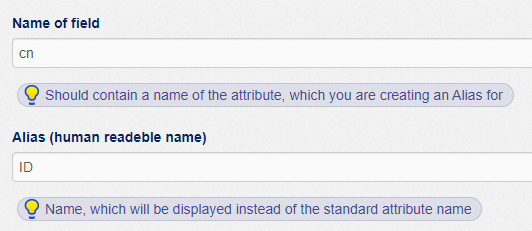
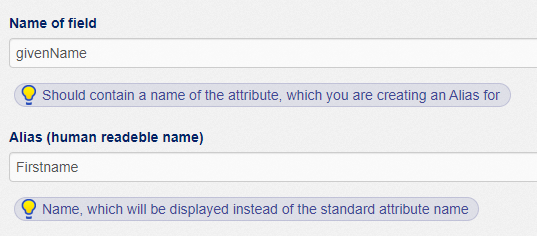
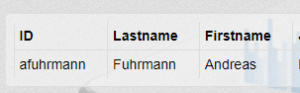
In the report the field name will also be the column header for this field. If you want to use a different column header in the report you have to define an alias name for the field. e.g. If the header of the attribute "cn" should appear as "ID" and "givenName" should appears as "Firstname", define the approrpiate alias like this:
The report will show the appropriate column header.
Filter (definitions)
Filter definitions let you filter the data for your report. BUT there are two completely differnet type of filters, that have a different purpose:
...